 COME
COMECOME General help categories for account problems
Use the General category to find the account or connection question that matches what happened.
Work through this situation
Forgotten access details, login-password questions and network issues have different headings. Choose the observed symptom instead of following every help topic in sequence.
What to check and why
Read the General topic titles before selecting one. The screen includes Forgot Password, Network Issue, Switch Currency and Delete Account, with further topics lower in the list. These are different tasks, and a destructive account action should not be used to investigate an unrelated login or connection issue.
Choose the closest actual symptom and read its explanation. If the answer does not match, return to the topic list instead of following steps for a different problem. Preserve the exact access error for account help. Keep recovery codes and passwords private; a useful description can identify the question without giving another person control of the account.
Recognise the relevant screen
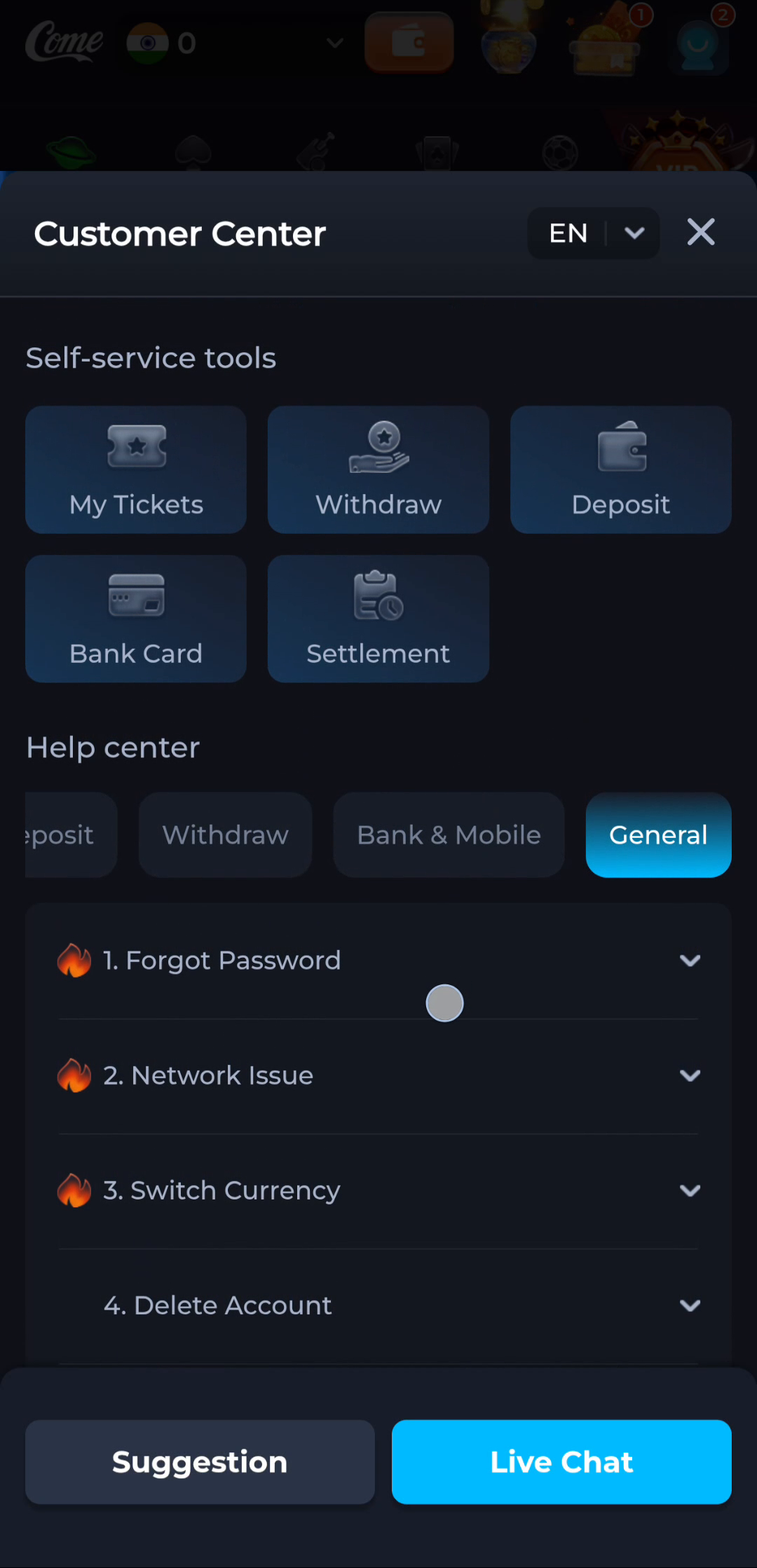
Match help to the task
The account menu and Customer Center provide different routes for preferences, records and assistance. A help-category answer explains a topic, while an account-specific issue needs the relevant service context. Read the visible wording on your own screen because layouts can change. This website provides explanations and navigation; it cannot complete an account action or alter a service record.
What a completed answer looks like
The selected topic directly matches the account or connectivity problem you need to resolve.
If the screen still does not answer the question, keep the exact wording and use the matching in-app help context.
Choose another specific COME guide